
Dragon's Dogma 2: Dark Arisen Switch 2: Performance Guide
Dragon's Dogma 2: Dark Arisen Switch 2 brings a huge RPG to handheld play. Compare performance settings, expansion content, price, and download needs.
Jump to
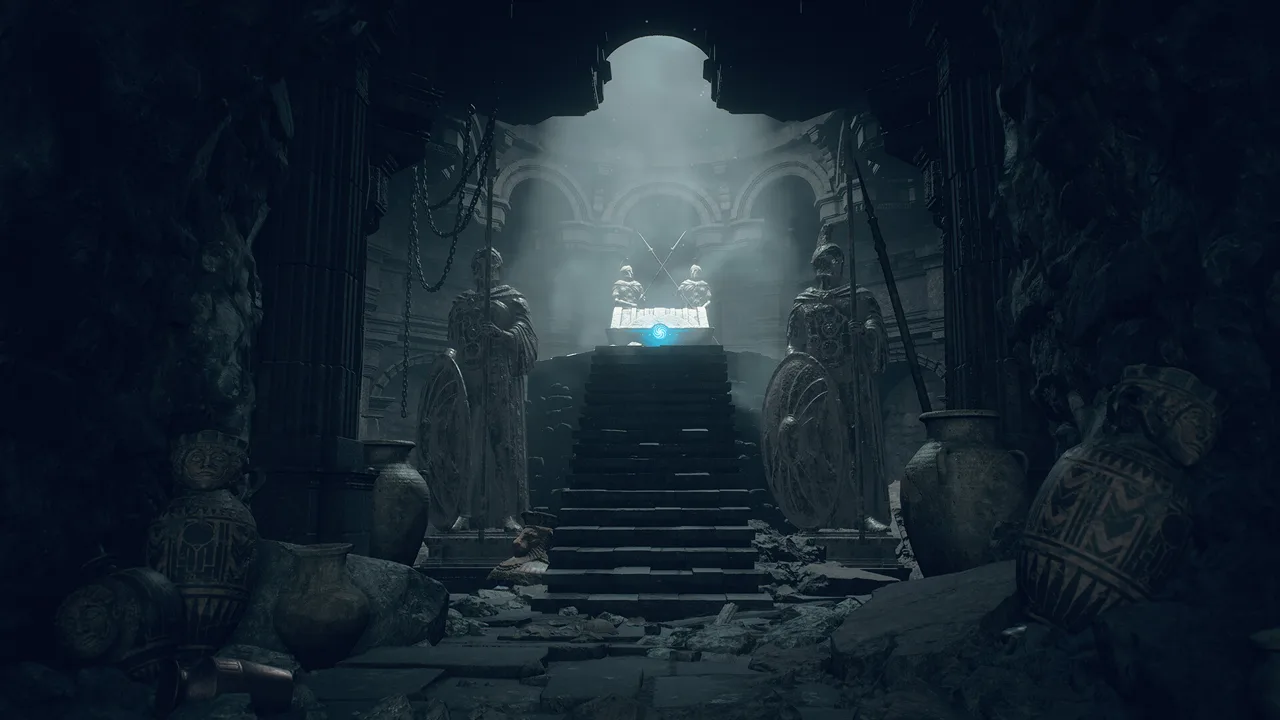
What You Get on Nintendo Switch 2
A quiet road trip can become a desperate griffin fight in Dragon's Dogma 2: Dark Arisen Switch 2. Taking that unpredictable adventure into handheld mode gives you a compelling reason to explore Capcom’s action RPG, provided you understand the performance tradeoffs. Dragon's Dogma 2: Dark Arisen Switch 2 packages the original campaign with the expansion, while offering several ways to balance smoother movement against cleaner visuals.
The attraction is the world itself. Monsters interrupt journeys, companions scramble to help, and seemingly straightforward errands become stories worth remembering. Portability makes that adventure easier to fit into your day, but the technical compromises deserve attention before you buy.
| Purchase Detail | Switch 2 Edition |
|---|---|
| Included content | Dragon’s Dogma 2 base game and Dark Arisen expansion |
| U.S. price | $49.99 |
| Physical format | Game-Key Card |
| Download size | Approximately 58 GB |
| Player count | Single-player |
| Co-op | No co-op mode |
The physical edition requires a download; the game data is not stored on the Game-Key Card. Reserve storage space before settling in for your first session, especially if you keep several large games installed.
At $49.99, the package combines the original adventure with another region, dungeon challenges, and additional customization. Its value comes from how much you enjoy exploration and experimentation, rather than simply checking off story missions.
Visit the Dragon’s Dogma 2: Dark Arisen Nintendo Switch 2 store page to check purchase options.
Performance Settings: 30 FPS, Variable, and Frame Generation
Dragon's Dogma 2: Dark Arisen Switch 2 gives you separate frame-rate and frame-generation controls. You can cap the game at 30 frames per second or leave it uncapped, then enable or disable FSR 3 frame generation.
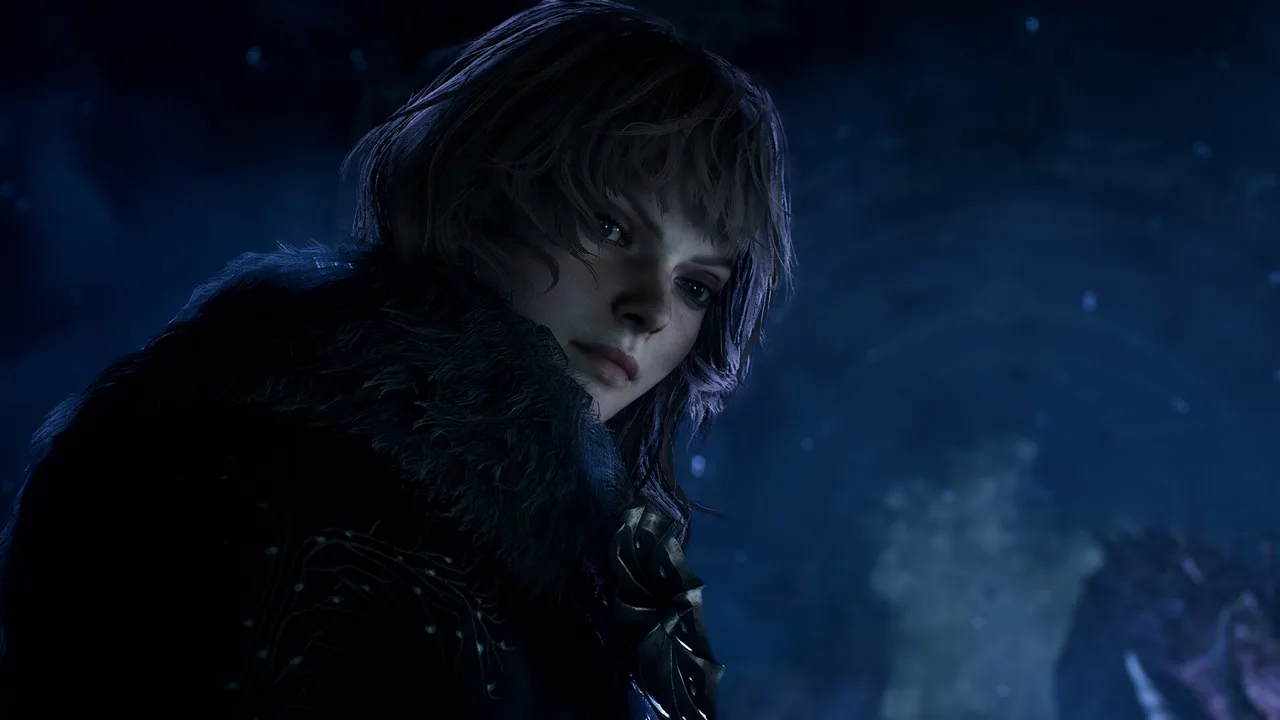 Image: Steam / CAPCOM Co., Ltd.
That distinction matters. Frame generation inserts additional images between rendered frames, making movement look smoother. It does not turn the underlying gameplay into a native 60 FPS experience, and its visual benefits come with extra input latency and possible artifacts.
| Setting | What Changes | Tradeoff |
|---|---|---|
| 30 FPS cap, frame generation off | Limits the frame rate and removes generated frames | Less fluid movement than higher frame rates |
| Variable frame rate, frame generation off | Allows performance to rise above 30 FPS | Smoothness changes as the workload changes |
| Variable frame rate, frame generation on | Adds frames for a smoother presentation | Additional latency, ghosting, and unstable text |
Uncapped performance can sit in the 30s in busy towns and reach the 40s or 50s elsewhere. Those fluctuations explain why different players prefer different settings: some prioritize responsive controls, while others find the smoother presentation more comfortable.
With frame generation enabled, movement can approach the appearance of 60 FPS. Heavy workloads still cause dips, and stuttering becomes more apparent when the underlying frame rate falls below 30.
Choose Settings Around What Distracts You
Start Dragon's Dogma 2: Dark Arisen switch 2 with the variable frame rate and frame generation disabled. Walk through a populated town, move the camera, and fight enemies before changing anything. That gives you a useful baseline for both responsiveness and image quality.
Then enable frame generation and repeat similar actions. Pay attention to character outlines, floating names, interaction prompts, and health bars. Shimmering or shaking around these elements can be more distracting than a lower frame rate.
If those artifacts bother you, turn frame generation off. Try the 30 FPS cap if changing frame rates are the larger distraction.
Keep the comparison practical. The setting that looks smoother during a slow camera pan might feel less comfortable while aiming a bow or reacting to an enemy attack.
Handheld and Docked Play: The Visible Compromises
Portability is the defining reason to consider Dragon's Dogma 2: Dark Arisen Switch 2. The enormous world remains playable away from a television, including its monster encounters, companion system, and exploration.
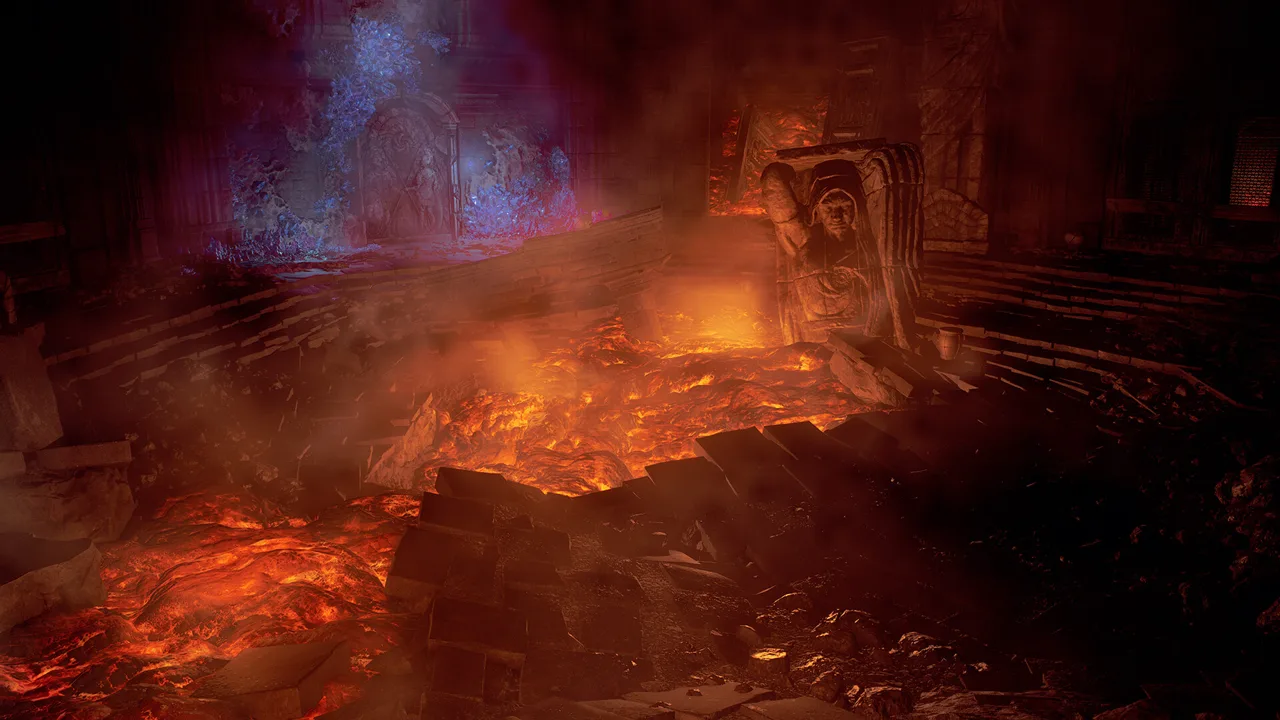 Image: Steam / CAPCOM Co., Ltd.
The cost is reduced visual detail. Textures look softer, distant objects appear later, and NPCs can pop into view as you approach. Lighting, foliage, and large creatures still give the landscape character, but the image does not have the clarity of a higher-spec version.
| Visual or Technical Feature | What to Expect |
|---|---|
| Texture detail | Reduced sharpness across parts of the world |
| Draw distance | Objects and NPCs can appear as you approach |
| Frame generation | Available in handheld and docked play |
| Interface artifacts | Floating text and health bars can look unstable with frame generation |
| Loading | Noticeable waits around pawn rifts and cutscene transitions |
Handheld play makes some compromises easier to accept on a smaller screen, though softness remains visible. Frame-generation artifacts can also stand out around fine details, so test your settings separately in handheld mode.
The early Switch 2 build also has a handheld pause-menu issue that can temporarily leave the game unresponsive. Keep that interruption in mind if you regularly pause and leave the system sitting during a session.
Controls use a conventional controller layout, with no gyro aiming. Archers therefore rely on stick aiming rather than motion adjustments. Try aimed shots with frame generation both enabled and disabled; the additional latency can affect how comfortable those adjustments feel.
Cross-saves are absent. If you already have a character on another platform, plan around a separate Switch 2 playthrough instead of alternating the same adventure between systems.
Combat, Pawns, and Travel: What Makes the Adventure Work
The strongest argument for Dragon's Dogma 2: Dark Arisen Switch 2 is its combat. Different vocations change your role substantially, and fights involve more than trading attacks until a health bar empties.
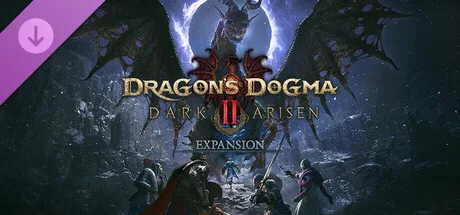 Image: Steam / CAPCOM Co., Ltd.
Small enemies can be grabbed and thrown. Large monsters can be climbed, letting you attack vulnerable areas while managing stamina. A griffin arriving during another fight can completely change your priorities, particularly when your companions need reviving.
The game rewards attention to the situation around you. Terrain, nearby enemies, and your party’s condition all influence whether to press an attack or retreat.
Build a Party That Supports Your Vocation
Your party consists of your character, your customizable main pawn, and two hired support pawns. That arrangement gives you room to experiment without requiring your own vocation to cover every need.
If you choose an archer, bring companions who can handle close combat and healing. If you play a frontline fighter, use the other slots to add ranged attacks and magical support.
Hired support pawns do not level up alongside you. Replace them as you gain levels so their capabilities keep pace with your adventure. Your main pawn stays with you and can change vocation.
Pawn commands also give you some control during exploration and battle:
- Use Go to send pawns ahead or follow their guidance.
- Use To Me to bring them closer.
- Use Help when you need assistance.
- Use Wait to keep them in place.
Pawns can help gather materials, find routes, and guide you toward a prioritized quest. Their specializations add further utility, including translating Elvish or using items to support the party.
Prepare Before Leaving Town
Travel carries consequences. Oxcarts shorten journeys, but ambushes can interrupt the ride. Some quests are time-sensitive, so taking several days to explore can change the outcome of an urgent rescue.
Night introduces darker roads and more dangerous encounters, including undead enemies. Your lantern consumes oil, and accumulated damage can reduce maximum health until you rest.
Pack lantern oil and a camping kit before a long trip. Leave in daylight while your party is still inexperienced, and clear nearby monsters before camping because camps can be attacked.
Use these preparations to protect your progress through the journey. A destination that looks close on the map can become a lengthy expedition once enemies, detours, and dwindling health enter the picture.
Dark Arisen: Norgan, Relics, and Lost Rites
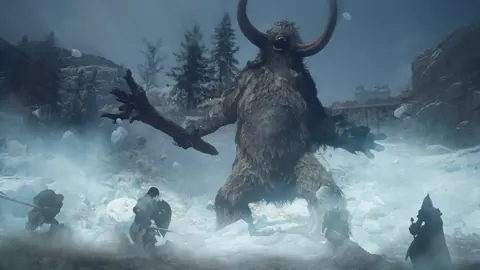
The expansion gives Dragon's Dogma 2: Dark Arisen Switch 2 another substantial stretch of adventuring. Norgan is a snowy northern region of abandoned settlements, ruined castles, and harsh weather.
Its story brings you together with Eir to investigate the undying Fallen Dragon. Beyond that campaign, relic hunting and the Lost Rites dungeons add reasons to continue refining your equipment and skills.
| Expansion Feature | What It Adds |
|---|---|
| Norgan | A northern region with snowy landscapes and dangerous enemies |
| Story campaign | An adventure involving Eir and the Fallen Dragon |
| Relic appraisal | Forgotten relics that yield equipment and skills |
| Lost Rites | 12 dungeon challenges |
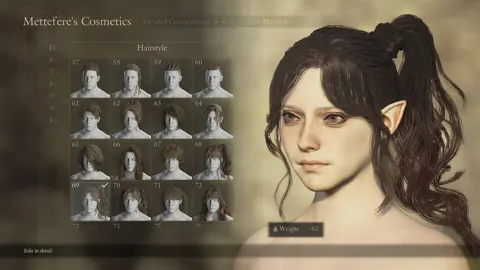
| Character customization | Additional hairstyles and tattoos |
Relics create an exploration-and-reward loop: recover them during your travels, have them appraised, and use the resulting equipment or skills to tackle tougher encounters.
Lost Rites dungeons push combat in different directions. Some restrict the skills you can equip or prevent pawns from helping in particular arenas. Others place enemies in cramped spaces where an unsuitable damage type becomes a serious problem.
Adjust your setup around each dungeon’s restrictions. Do not assume a party and skill loadout that handled the open world will solve every challenge inside.
How to Start the Expansion
After reaching Seat of the Sovran, visit The Stardrop Inn in Vernworth at night and speak with Captain Brant.
Choose “About the new Arisen...” to begin Chilling Tidings, the opening quest for Norgan’s campaign. Choose “About the uncovered ruins...” to start the Lost Rites questline.
Aim for level 40 before committing to the expansion’s tougher content. Access arrives earlier than comfortable readiness, and an underleveled party can struggle badly in the northern region.
Begin with Norgan’s campaign, improve your equipment, and then tackle the more demanding dungeon challenges. The campaign and the Lost Rites dungeons provide separate goals as you work through the expansion.
If your character has already entered the Unmoored World, access to Dark Arisen requires starting New Game+. Finish your current adventure before planning that return to the north.
FAQ
Is Dragon's Dogma 2: Dark Arisen Switch 2 worth buying?
It offers a large action RPG, the Dark Arisen expansion, and handheld play for $49.99. The main compromises are softer visuals, variable performance, and frame-generation artifacts. Choose it if portability and unpredictable exploration appeal to you.
Does the Switch 2 version run at 60 FPS?
Frame generation can create a presentation approaching 60 FPS, but the underlying frame rate is lower and varies with the scene. You can also use an uncapped frame rate without generated frames or select a 30 FPS cap.
Is the full game on the physical card?
No. The physical edition uses a Game-Key Card and requires an approximately 58 GB download. Make room in system storage or on your compatible storage expansion before installing.
Can you play co-op or transfer a save from another platform?
The game is single-player and has no co-op mode. Pawns provide AI companions, including characters created by other players, but do not let friends control party members. Cross-saves are also absent, so another platform’s character cannot continue its adventure on Switch 2.
Continue with
 Dragon's Dogma 2: Dark Arisen Xbox: Complete GuideExplore Dragon's Dogma 2: Dark Arisen Xbox editions, Series X|S support, cloud gaming, DLC quests, and combat tips before your next adventure in Norgan.
More in Platforms
Dragon's Dogma 2: Dark Arisen PS5: Price & Play Guide
Dragon's Dogma 2: Dark Arisen PS5 brings new quests, relic gear, and dungeon challenges. Compare editions, learn how to start, and prepare for Norgan now.
Dragon's Dogma 2: Dark Arisen Steam: PC Buying Guide
Dragon's Dogma 2: Dark Arisen Steam guide: compare editions, check PC requirements, learn how to access DLC, and prepare for Norgan's toughest encounters.
Join the community
Official channels for news, updates and player help: